español
 English
 français
 العربية
Llame a nuestro experto en productos : +8615327455845
Envíenos un correo electrónico
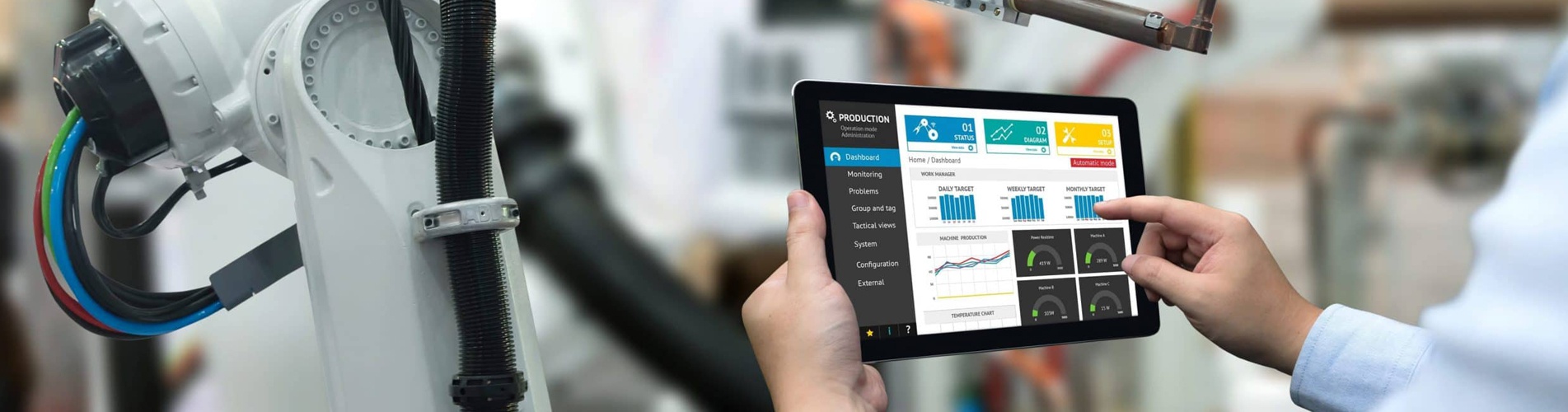
¿El PLC está averiado y no hay ningún técnico disponible en el lugar? Descubra cómo funciona la resolución de problemas remota: videollamada, análisis fotográfico y envío rápido de repuestos. Real Siemens S7-300 caso incluido.
Tu PLC acaba de dejar de funcionar. La línea de producción está parada. Llamas al proveedor original.
“Nuestro ingeniero puede estar allí en tres días.”
Tres días de inactividad. Más gastos de viaje. Más honorarios por hora de servicio.
Pero ¿y si la mayoría de los problemas de los PLC se pudieran resolver sin que nadie tuviera que ir al lugar?
En Swan Electric, ayudamos a nuestros clientes a diagnosticar y solucionar problemas de PLC de forma remota, a menudo en cuestión de horas, a veces incluso minutos.
¿Qué problemas de PLC se pueden resolver de forma remota?
No todas las averías requieren una visita del servicio técnico. Esto es lo que normalmente podemos solucionar de forma remota:
| Tipo de problema | ¿Podemos ayudarle de forma remota? | Lo que hacemos |
| Estado del LED anormal (SF/BF encendido) | Sí | Revise el video e identifique el tipo de falla (alimentación, comunicación o programa). |
| PROFIBUS Error de comunicación MPI | Sí | Guía de comprobación de cables, terminación y configuración de direcciones. |
| Entrada/salida sin señal | Sí | Guía de medición con multímetro y prueba de puentes |
| Emisión de tarjeta MMC | Sí | Reubicación, formateo o reemplazo de la guía |
| El módulo necesita ser reemplazado. | Sí | Confirme el módulo defectuoso, envíe el reemplazo el mismo día. |
| Daños físicos (quemaduras, agua) | No | El diagnóstico remoto aún permite identificar qué módulo reemplazar. |
*La mayoría de las averías se engloban en las dos primeras categorías. No siempre es necesario un técnico in situ.
Cómo funciona la resolución de problemas de PLC remotos
Utilizamos tres métodos sencillos para ayudarte a distancia.
1. Videollamada (en directo)
Usted nos muestra el módulo, los LED, el cableado, en tiempo real. Nuestro ingeniero observa, hace preguntas y lo guía en el siguiente paso.
2. Análisis de fotos/vídeos
Envíanos fotos nítidas o un vídeo corto de la avería. Analizamos la imagen y te respondemos con instrucciones paso a paso.
3. Conexión remota al PLC (si dispone de una VPN o puerta de enlace remota)
Para problemas lógicos complejos, en ocasiones podemos conectarnos directamente a su programa PLC para supervisar variables y comprobar la configuración.
*En la mayoría de los casos remotos solo se necesita el método 1 o 2. No se requiere software especial ni configuración informática.
¿Y si el diagnóstico a distancia no es suficiente?
Somos honestos con usted. Algunos problemas aún requieren una visita in situ; por ejemplo, un panel posterior dañado o una fuente de alimentación averiada que requiere un reemplazo físico.
Pero incluso entonces, añadimos valor:
Proceso de soporte remoto de Swan Electric
Esto es exactamente lo que sucede cuando se pone en contacto con nosotros por un problema con un PLC.
| Paso | Que haces | Lo que hacemos |
| 1 | Llámenos, contáctenos por WeChat o envíenos un correo electrónico; indíquenos el modelo del módulo y la descripción de la falla. | Registra tu caso, te asignaremos un ingeniero. |
| 2 | Envíanos fotos/vídeos de los LED, la alarma HMI y el cableado. | Analizar en 1 hora, responder con el diagnóstico. |
| 3 | Siga nuestras instrucciones a distancia (pruebas, comprobación de cables, etc.). | Manténgase en la línea hasta que se encuentre la falla. |
| 4 | Si se necesita un módulo de repuesto, confirme el modelo. | Envío de reemplazo nuevo y original el mismo día. |
| 5 | Instale el nuevo módulo (podemos guiarle de forma remota). | Confirmar que el sistema ha vuelto a la normalidad. |
*El diagnóstico inicial es gratuito. Solo pagará por los módulos de reemplazo si fuera necesario.
Caso real de un cliente: Fallo en el sistema PROFIBUS del Siemens S7-300
El cliente: Un fabricante de autopartes en Asia. Su Siemens CPU 6ES7315-2AH14-0AB0 Se encendió la luz BF (Bus Fault). Toda la línea se detuvo.
Lo que hicieron: Llamaron a Swan Electric y enviaron un breve vídeo del panel de la CPU.
Lo que hicimos de forma remota:
Resultado: Desde el primer mensaje hasta la recuperación total de la producción, menos de 30 minutos. Sin técnico in situ. Sin gastos de desplazamiento. Sin días de espera.
¿Cuándo debería ponerse en contacto con nosotros para obtener asistencia remota para PLC?
Póngase en contacto con nosotros inmediatamente cuando:
Aunque aún no seas cliente, te ofrecemos un diagnóstico inicial gratuito porque sabemos que si te ayudamos a solucionar este problema, nos tendrás en cuenta para tus próximas necesidades de repuestos.
Cómo contactarnos para la resolución remota de problemas de PLC
Teléfono: +8615327455845
Correo electrónico: lizzie@swanautomation.com
Sitio web: www.abplccenter.com
La próxima vez que falle su PLC, no espere días a que llegue un técnico. Póngase en contacto primero con Swan Electric; podríamos solucionarlo de forma remota mientras aún está hablando con nosotros por teléfono.
Swan Electric: Módulos PLC nuevos y originales, con soporte remoto de confianza.
Room 2005 Building 2 Oceanwide International SOHO City,Huaihai Road. Jianghan District. Wuhan .China
 +8615327455845
 lizzie@swanautomation.com

 Red IPv6 compatible